When to Kill a Software Tool in a Contractor's Stack
Outgrowing a tool is expected; knowing when it costs more than it saves is discipline.
Knowing when to kill a software tool is part of running a contractor’s business. A tool earns its place through the time it saves, the work it supports, or the revenue it helps produce. When its cost in money, admin work, and friction outweighs that return, cutting it is discipline.
Why contractors accumulate tools they should have cut
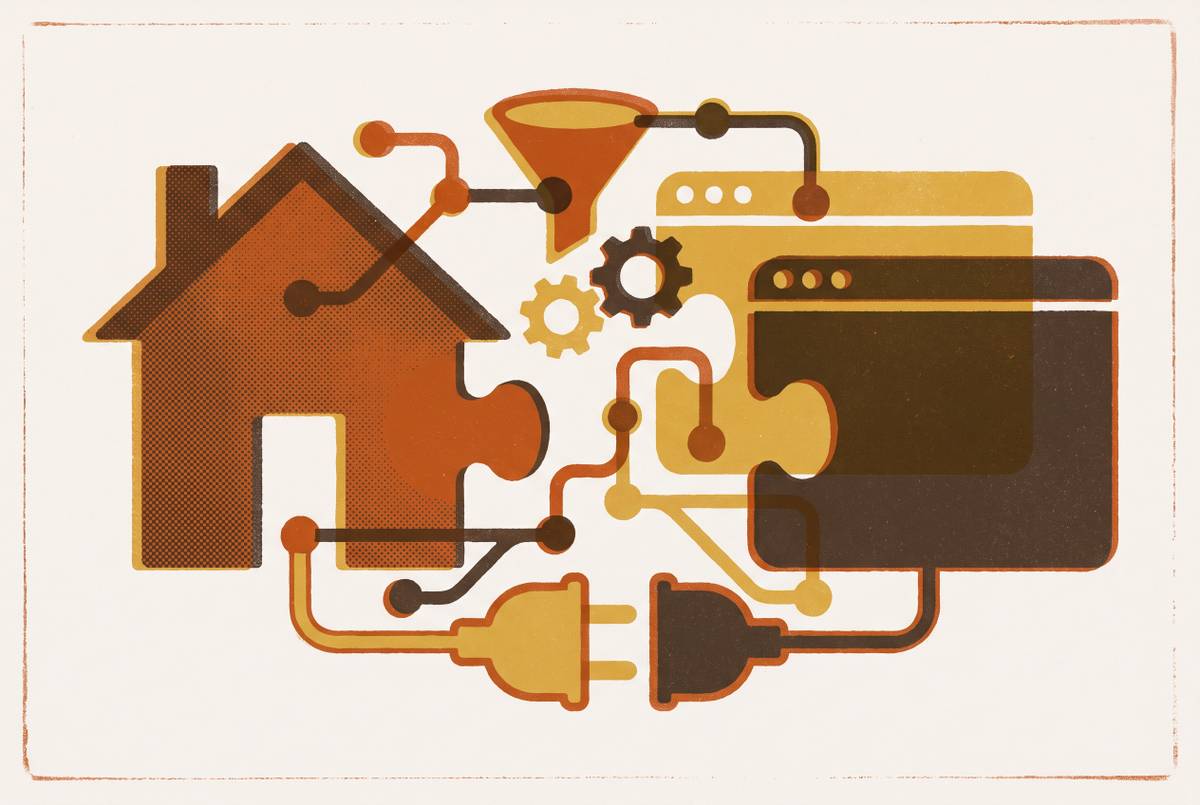
Contractors build bloated stacks one reasonable purchase at a time. A CRM bought at $500K revenue solves a real problem, and a separate quoting tool added at $1M solves another. Then they add a stand-alone scheduling app and a reputation platform. Each purchase makes sense on its own, but nobody revisits the whole arrangement as the business grows.
Customer data sits in systems that do not connect, so someone has to re-enter it, sort out duplicate records, or work out why teams have different information. That work can become so familiar that it stops looking like a software problem and starts looking like an ordinary office duty. Meanwhile, the subscriptions keep running because each tool still has a user and a remembered purpose. There is no natural forcing function that tells a contractor when a useful asset has crossed into a liability.
What "costing more than it returns" actually means for a contractor
Test what would measurably get worse if the tool disappeared tomorrow. Use shows that a habit exists, but it does not prove that the habit pays. A useful answer names an outcome, including close rate, response time, booked jobs, revenue, or admin hours saved. A tool with no measurable link to any such outcome has failed to establish why it belongs.
On the cost side, the monthly bill is only the starting point. The full burden includes time spent bridging gaps, errors from manual re-entry, slower responses, and leads or revenue lost to friction. The standard is therefore the same one that should justify a purchase, applied in reverse. Identify the problem, put a cost on the lost time or revenue, and establish what changes when the problem is fixed. For a removal decision, that means comparing the outcome the tool still protects with everything the business spends to keep it working.
The stack a contractor should run changes with the revenue band they're in
That balance changes as the business grows. A tool that fits a $500K operation can become a ceiling for a $3M operation without becoming a bad product. The business has changed, while the tool’s fit has not. Scheduling may expose the mismatch first, though quoting can also be where the limits become clear. Every growth milestone is therefore a reason to revisit fit, rather than treating the original purchase decision as permanent approval.
Revenue is not the only part of that fit. Roofing operators use specialists such as JobNimbus and AccuLynx because trade-specific workflows matter, and a generalist tool may handle them badly. The software must suit both the trade and the stage of the business.
Nor does moving to a larger stack mean buying an all-in-one that promises everything but does nothing particularly well. A stronger stack is built for the work, with connections that keep people from re-entering data across systems. As that stack grows, a platform already in it may take over a job that once needed a separate tool. At that point, growth has changed not just what the business needs, but how many tools it needs to provide it. Outgrowing a tool is an expected event.
Five observable signals that a tool has earned its exit
The first signal is repeated manual data entry. If someone has to copy customer information from one tool into another to keep work moving, that tool adds an admin tax on top of its subscription. That tax compounds because re-entry also creates opportunities for duplicate records and inconsistent information. A contractor can find concrete evidence in who is copying what and whether that effort cancels out the tool’s benefit.
The second signal is a job already covered elsewhere in the stack. A stand-alone scheduling app may predate the CRM’s built-in scheduling, just as a separate reputation platform may predate the field service system’s native capability. If the platform the business already pays for does the job it needs, the separate subscription buys nothing extra. Keeping it because the team has always used it is inertia.
The third signal is an inability to name an outcome the tool improves. The team opens it, updates it, and uses its features, but cannot connect that work to booked jobs, faster responses, better close rates, or fewer admin hours. Those activities may feel productive without producing anything traceable. If removing the tool would make no measurable result worse, its place in the stack is decorative.
The fourth signal is an integration that needs workarounds to keep it working. Unlike direct re-entry, this may happen within a Zapier chain, a spreadsheet export, or a weekly manual sync. The tools seem to be connected, but keeping them that way takes extra steps that have their own cost. The test is whether data moves through native connections or whether the business must keep tending the bridge.
The fifth signal is a mismatch with the business’s current stage. It occurs when scheduling or quoting needs have moved beyond what the tool can comfortably support. The software has been outpaced by growth, and keeping it now limits the operation it once helped. These five signals can be found in daily work, billing statements, and team behavior without a consultant or a formal audit.
Why AI absorbing a point tool's job is now a legitimate kill trigger
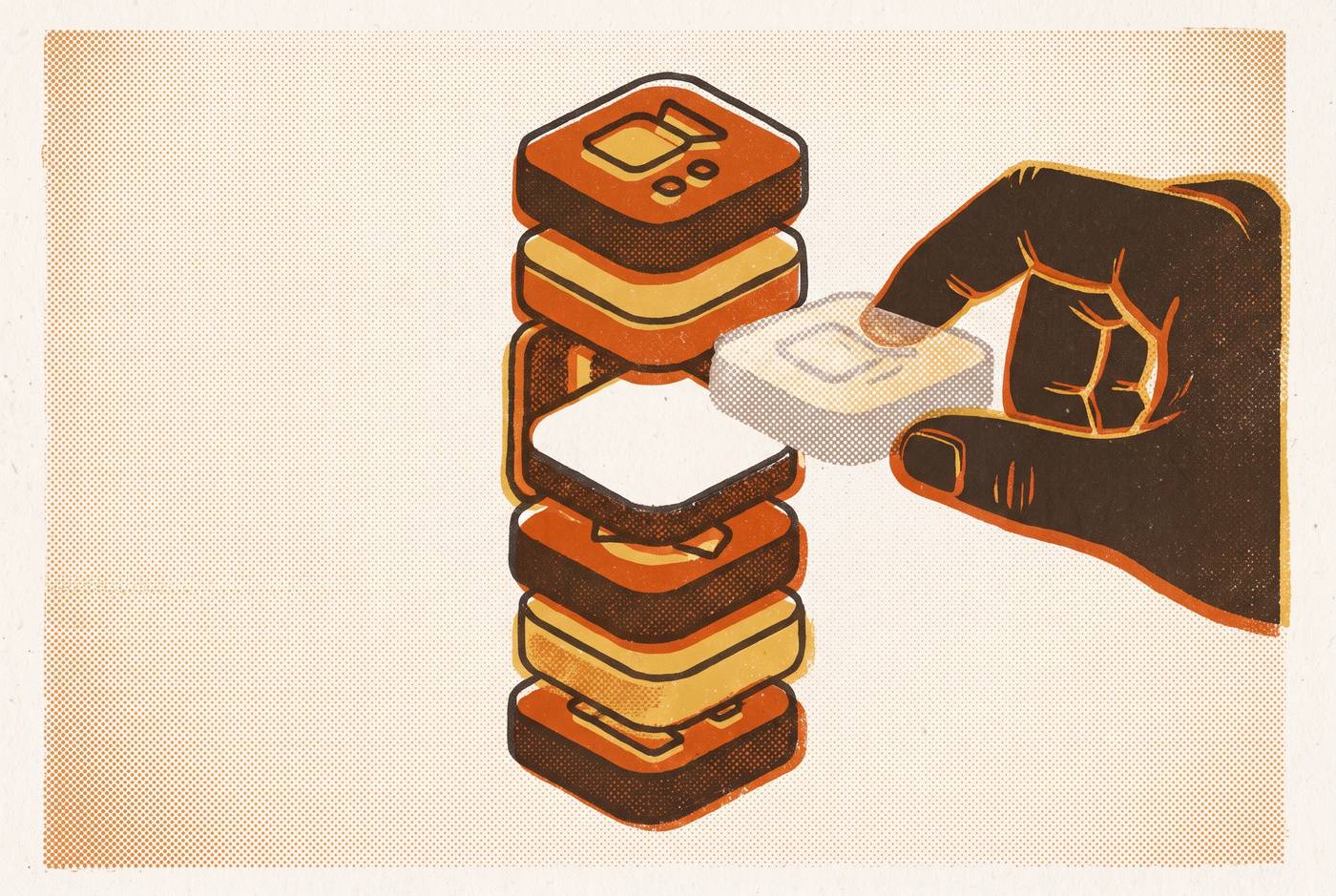
AI adds a new reason to examine the second signal, which is paying twice for the same function. When an existing platform absorbs a stand-alone tool’s job, the contractor can potentially remove both a bill and a connection between systems. The case for removal rests on whether a new feature performs the job the separate tool was hired to do.
Lead response is the clearest example. A separate answering service or lead-response tool may be ready to cut when the core CRM adds AI call handling that responds within a time window the manual service cannot reliably meet. The same applies to quote follow-up when the field service platform has native tools for sequenced follow-up. A separate drip tool then needs to prove what it adds to the work already covered. Otherwise, its value has become a monthly line item for duplicate work.
Photo documentation apps such as CompanyCam are often added to field service platforms, but more native features do not prove that the platform has taken over a given app’s job. The actual function still has to be compared. The test also runs in the other direction when the current platform has no AI roadmap and newer AI-native tools can do the same work with fewer integration points. In that case, the core platform itself may deserve reconsideration.
What PE-backed consolidators do when they acquire a contractor's business — and what independents can learn from it
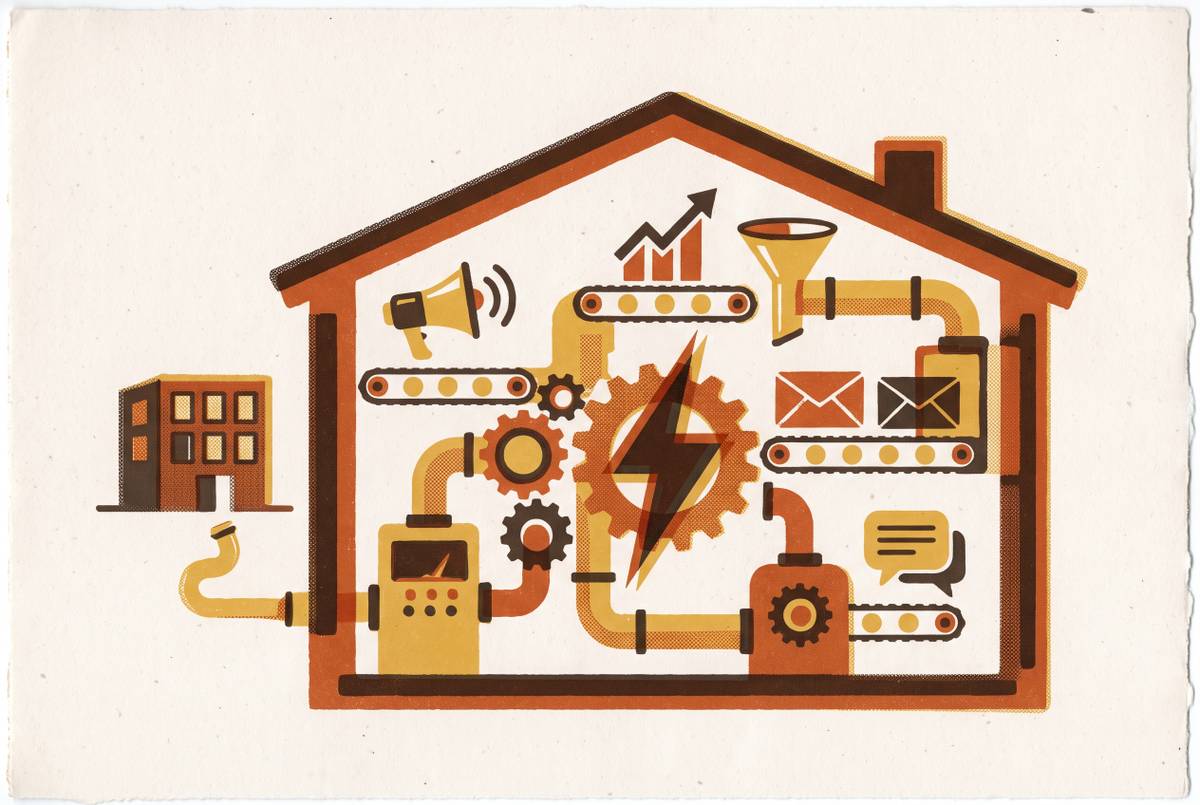
Private-equity-backed consolidators treat stack rationalization as one of the early operational moves after buying a contractor. They are removing fragmentation that gets in the way of seeing and running the business as a connected operation. Clean pipeline data, connected reporting, and accurate lead-to-close tracking are harder to get when systems are scattered. Cutting tools is therefore about operational visibility as much as subscription savings.
An independent contractor does not need a planned sale to benefit from that discipline. The same visibility helps an owner know the numbers and spend less of the day dealing with gaps between systems. Centralized purchasing and connected dispatch software can add margin without requiring an institutional buyer to make the changes. A tool that makes sense in isolation can still weaken the business when its place in the wider system creates more friction than value.
How to make the cut decision without second-guessing it afterward
The hardest part of removing a tool is often fear of losing a familiar function. Identify which of the five signals applies, then confirm where the required function is covered elsewhere in the stack. If the team needs confidence, run a 30-day parallel period before cutting the old tool. The purpose of that period is to settle a defined question.
A full platform transition needs more room than a simple removal. Plan 30–45 days for that change, and complete it before adding anything else. This is not install-and-go software, so treating a transition as an instant switch only adds to the fear of disruption. Separating the decision from the work needed to carry it out helps keep both clear. A tool can have earned its exit even when moving its necessary function takes planning.
The audit should leave two groups, namely tools that pass the revenue-or-operational-metric test and tools that do not. The second group needs a removal decision and, where a necessary function remains, a clear migration plan. Past setup spending does not change that test because it cannot make the next monthly payment worthwhile. Team habit deserves a transition. The reason to retain a tool must be the value it will still produce.
A unified platform can simplify this task if it handles the core jobs well, including quoting, scheduling, dispatching, invoicing, and customer records. Native marketing automation and AI-driven lead handling can further reduce the number of separate tools that need defending. The question then shifts from which subscriptions to cut to what the main platform does not yet cover. Cutting a tool is not a concession when it leaves a tighter, better-connected operation behind. Every tool that earns its exit frees budget, admin time, and mental bandwidth for a system that actually moves revenue.